
Evyx AI
Snaptics
A private screenshot workspace that turns saved images into searchable notes, QR actions, source links, cleanup suggestions, and home-screen widgets without uploading screenshot content for core features.
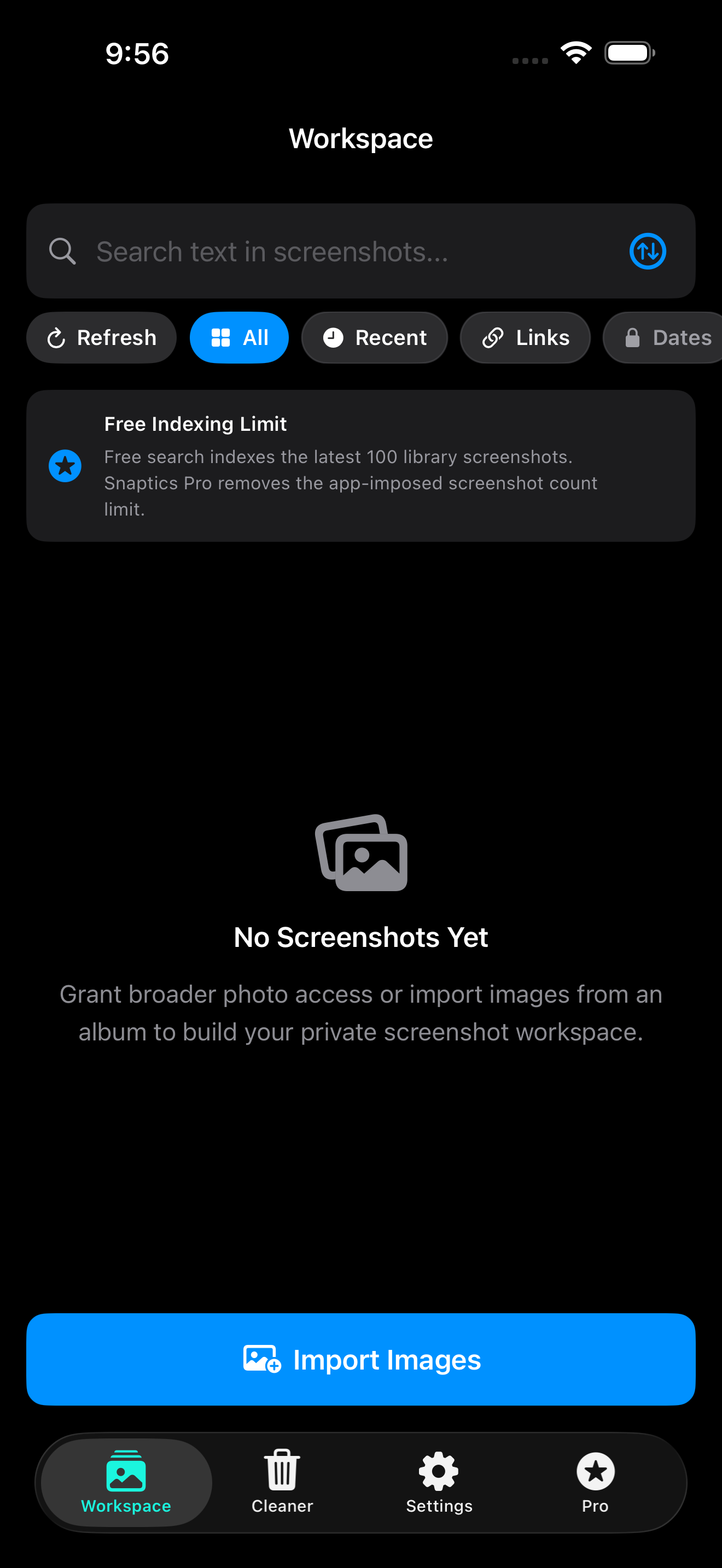
iOS
Built for iPhone and iPad with local OCR, widgets, overlays, and StoreKit subscriptions.
Android
Built for Android with ML Kit, Photo Picker import, widgets, cleaner, and Play Billing.
Built for screenshots you need again
Snaptics is designed for people who save useful images but need a faster way to search, act, and clean them.
Instant local search
Find text, tags, notes, QR codes, links, dates, receipts, and useful screenshot metadata from one private workspace.
Actionable screenshots
Open detected links, QR payloads, source pages, map addresses, tracking numbers, and calendar dates when available.
Cleaner review
Review duplicates, old QR/link screenshots, expired coupons, and low-information images before deleting anything.
Made for real screenshot clutter
Snaptics focuses on the messy camera-roll screenshots people actually keep: coupons, QR codes, receipts, product pages, travel details, notes, and reminders.
How it works
Import or index images
Use the Photo Picker, share sheet, or screenshot-library indexing where the platform allows it.
Search locally
OCR and barcode scanning help surface useful text and actions without sending screenshot content to Evyx AI servers.
Act on what matters
Open QR payloads, links, source pages, map addresses, tracking numbers, and detected dates.
Pin or clean up
Pin important screenshots to widgets or review clutter before deleting anything.
Local-first by design
Snaptics does not need an account for core screenshot organization and does not upload screenshots, OCR text, source URLs, thumbnails, notes, tags, or Wi-Fi data to Evyx AI servers for core features. Payments are handled through the Apple App Store and Google Play Billing.